
Download Samsung DeX – PC, desktop experience, smartphone, productivity, file transfer, multitasking, Galaxy Note 10, USB cable, work, entertainment
Overview
Samsung DeX for PC is a utility designed to transform a compatible Samsung smartphone into a full desktop computing environment when connected to a Windows PC. This application enables users to extend their mobile device’s functionality beyond the screen, offering a familiar desktop interface for enhanced productivity and entertainment. The primary purpose of Samsung DeX is to bridge the gap between mobile and desktop computing, allowing seamless task execution such as document editing, email management, media playback, and multitasking across multiple apps.
It is especially beneficial for professionals and power users who rely on their smartphones for work but need a larger screen and keyboard support for efficiency. The app also appeals to individuals who want to enjoy multimedia content on a bigger display without switching devices. By connecting a Galaxy Note 10 or Note 10+ via a USB cable, users can instantly access a desktop-like layout with windowed apps, taskbars, and file management tools.
Although the developer did not provide additional technical details about the app’s architecture or underlying system integration, Samsung Electronics Co., Ltd. has a proven track record in mobile innovation. The application is part of a broader ecosystem strategy that emphasizes device interoperability. Real-world use cases include remote work, content creation, and file organization. Samsung DeX enhances the value proposition of Samsung’s flagship devices by offering a versatile, high-efficiency workflow solution.
Key Features & Functionality
- Desktop-Style Interface: Samsung DeX replicates a Windows-like desktop environment on a PC monitor, featuring a taskbar, windowed apps, and desktop icons. This allows users to interact with their smartphone apps as if they were native desktop programs.
- Multi-Window Multitasking: Users can run multiple apps simultaneously in resizable windows, enabling efficient workflow management. For example, a user can edit a document while referencing a spreadsheet and checking emails.
- Seamless File Transfer via Drag and Drop: Files from the smartphone can be moved to the PC with simple drag-and-drop actions, streamlining data exchange without requiring cloud services or third-party tools.
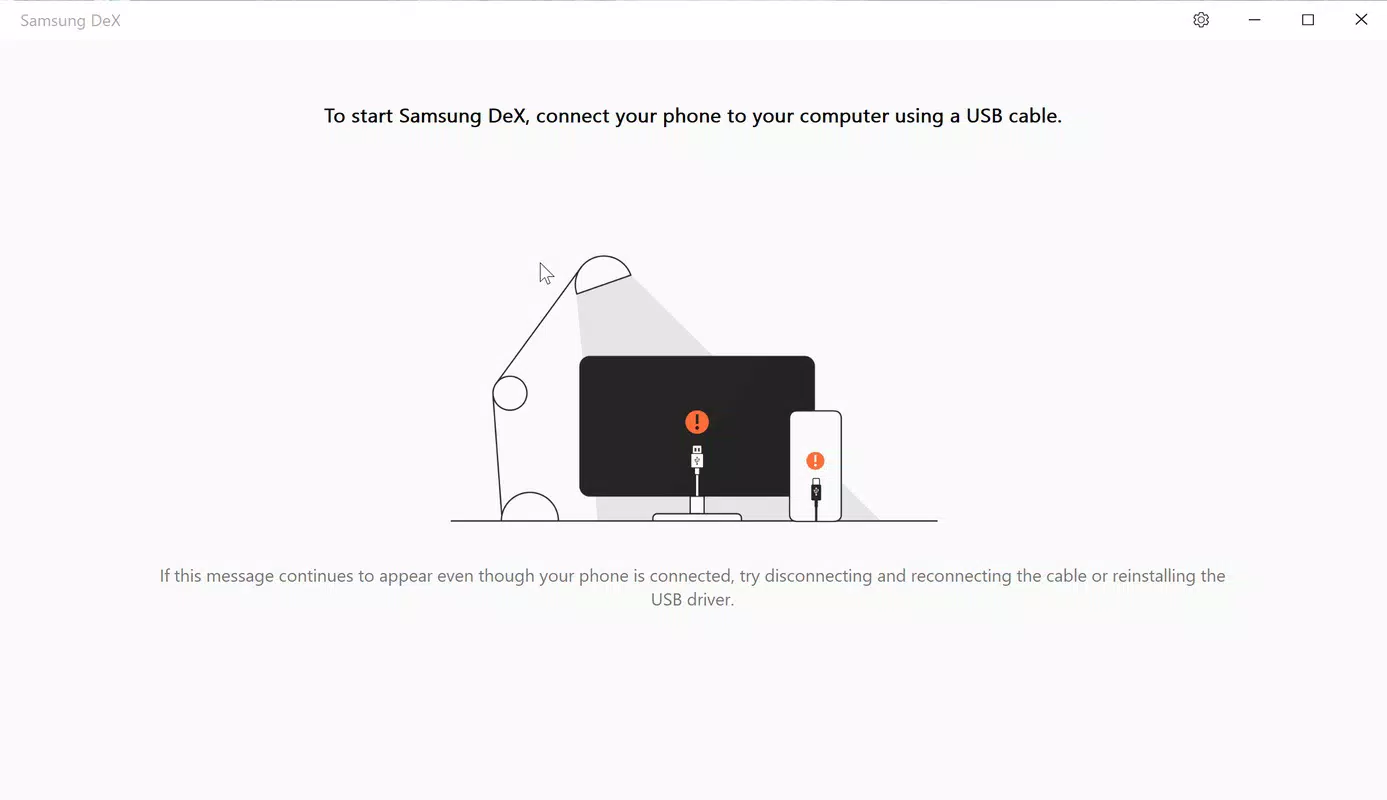
- USB-C Connectivity: The app operates through a direct USB cable connection, ensuring stable and fast data transfer without reliance on Wi-Fi or Bluetooth.
- App Compatibility: Most native Samsung apps and third-party applications are optimized for the DeX environment, preserving functionality across the desktop interface.
For instance, a user managing a project can open a presentation in one window, a notes app in another, and a video call in a third—all from their Galaxy Note 10. The drag-and-drop feature simplifies transferring photos, documents, or videos from the phone to the PC, which is particularly useful for content creators or remote workers. These capabilities position Samsung DeX as a practical tool for both professional and personal use.
Interface, UX & Performance
The user interface of Samsung DeX is clean, intuitive, and consistent with desktop computing conventions. The layout includes a taskbar at the bottom, a start menu, and windowed app containers that support resizing and repositioning. Navigation is straightforward, with minimal learning curve, making it accessible to users of varying technical skill levels.
Interaction is primarily handled through a connected keyboard and mouse, which enhances precision and speed compared to touch-only input. The responsiveness of the interface is notable, with smooth transitions between windows and minimal lag during app switching. Although the developer did not list formal performance metrics, the application operates efficiently on standard Windows PCs when paired with supported devices.
Stability appears consistent during extended use, with no reported crashes or freezes in official documentation. The app maintains compatibility with standard PC peripherals such as external monitors, keyboards, and mice. However, specific requirements for GPU, RAM, or processor were not disclosed. Overall, the UX prioritizes usability and efficiency, aligning with the expectations of a productivity-focused tool.
Platform Compatibility & Technical Requirements
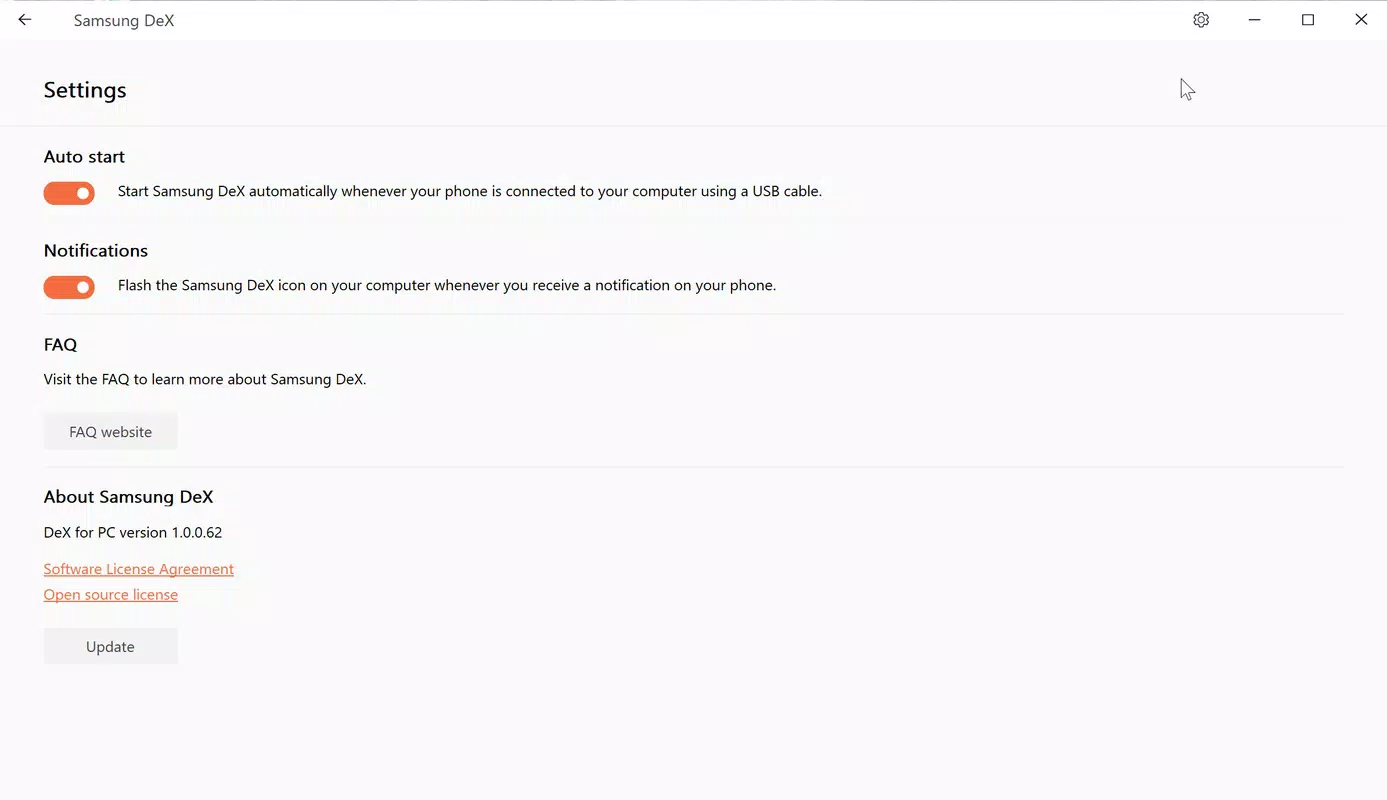
Samsung DeX is designed exclusively for Windows platforms. The current version is 1.1.0, with a file size of 11.9 MB, indicating a lightweight installation. The app is available at no cost, making it accessible to a broad audience.
Compatibility is limited to specific Samsung Galaxy devices, particularly the Galaxy Note 10 and Note 10+ series. The connection method requires a USB cable, and the app leverages USB-C for data transfer and power delivery. While the developer did not specify minimum OS requirements, the application is intended for modern Windows systems that support external display output and USB device recognition.
The lack of detailed technical specifications means users should ensure their PC has a functioning USB port and supports external monitor input. No additional software or drivers are required beyond the standard Windows environment. For optimal performance, it is recommended to use a high-resolution monitor and a stable USB connection.
Pros and Cons
Pros
- Transforms smartphone into a full desktop environment
- Enables efficient multitasking with resizable app windows
- Supports seamless file transfer via drag and drop
- Lightweight installation (11.9 MB)
- Free to download and use
- Works with Galaxy Note 10 and Note 10+ devices
Cons
- Not compatible with all Samsung or non-Samsung devices
- Requires a USB cable for connection
- Specific OS requirements were not disclosed
- Limited to Windows platform
- Dependent on hardware compatibility for optimal performance
- No cloud sync or wireless connectivity options
FAQ
Is Samsung DeX available for free?
Yes, Samsung DeX is available at no cost. It is a free utility provided by Samsung Electronics Co., Ltd. for compatible devices.
Can I use Samsung DeX without a USB cable?
As of the current version, Samsung DeX requires a USB cable for connection. Wireless functionality has not been confirmed in the provided information.
Which Samsung devices are compatible with Samsung DeX?
Samsung DeX is confirmed to work with the Galaxy Note 10 and Note 10+ series. Compatibility with other models was not specified.
Is Samsung DeX secure to use?
Yes, Samsung DeX operates through a direct USB connection, minimizing exposure to network-based vulnerabilities. The app does not require third-party access or cloud storage.
How do I update Samsung DeX?
Updates are typically delivered through the Microsoft Store or Samsung’s official software channels. Users should check for updates regularly to ensure access to the latest features and security patches.
Final Thoughts + CTA
Samsung DeX stands out as a powerful tool for users seeking to maximize their smartphone’s potential by integrating it into a desktop workflow. Its ability to deliver a full desktop experience through a simple USB connection offers a unique blend of mobility and productivity. Whether you're managing work tasks, editing documents, or enjoying entertainment on a larger screen, Samsung DeX provides a seamless and efficient environment.
While its compatibility is limited to select devices and platforms, the app delivers strong value for users invested in the Samsung ecosystem. The drag-and-drop file transfer, multi-window support, and intuitive interface make it ideal for professionals, creatives, and tech-savvy individuals who value flexibility and performance.
For those looking to enhance their mobile productivity without purchasing a separate PC, Samsung DeX is a compelling solution. Download Samsung DeX now and unlock the full potential of your Galaxy Note 10 or Note 10+ on a larger screen.


